
The memory video montage is not just about stacking photos on a timeline with royalty-free music in the background. The perceived quality of a personalized video depends on precise technical choices, from the export codec to color grading, as well as the cutting rhythm and management of rights for AI-generated content.
Export codec and resolution: parameters that change the final rendering
A memory video file intended to be shared with family or projected at a wedding does not tolerate the same encoding as an Instagram story. The choice of codec directly affects the file size, compatibility with connected screens, and color fidelity.
For a montage of photos and videos combining heterogeneous sources (scans of film prints, smartphone captures, DV camcorder clips), we recommend exporting in H.265 (HEVC), which offers a better quality-to-size ratio than the classic H.264. The target resolution depends on the distribution medium: Full HD 1080p remains the most versatile standard for digital frames, televisions, and sharing platforms.
A common mistake is to export in 4K a montage primarily composed of low-resolution scanned photos. The file is heavier without visual gain, and artificial upscaling produces noise. It is better to work in native resolution and then apply a slight adaptive sharpening filter at the output.
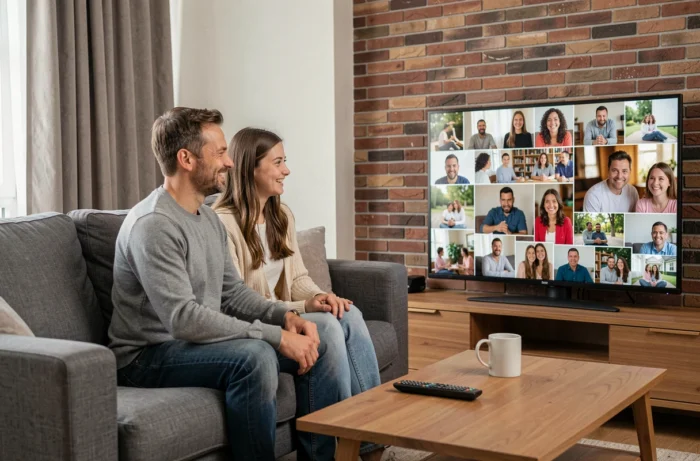
Specialized platforms like moviecreation.fr manage these technical constraints upstream, which prevents delivering an unusable file on the living room TV.
Memory video montage: cutting rhythm and visual storytelling
The display duration of each photo in a video slideshow is not a cosmetic detail. A shot that is too short prevents emotional reading of the image, while a shot that is too long breaks the rhythm and causes disengagement.
We find that an interval of three to five seconds per photo works for a birthday or family montage, provided that transitions are varied. A systematic crossfade sequence gives a dated look. Alternating hard cuts, short fades, and slight zooms (mastered Ken Burns effect) creates visual dynamics without falling into the advertising clip.
Structuring the narrative by thematic blocks
An effective memory montage follows a narrative progression, not a strictly chronological order. Grouping photos by key moments (childhood, couple, travel, wedding) allows for the creation of visual chapters. Each block can have its own sound identity and cutting rhythm.
- The opening block sets the tone: an iconic full-screen photo, without transition, with silence or ambient sound before the music starts
- The central blocks alternate between quick sequences (a series of photos from the same event) and pauses on strong images, displayed for longer
- The closing block intentionally slows down the pace to let the emotion resonate, with a gradual fade to black rather than a “The End” card
This structure works well for both a tribute and a birthday gift. The video creator who applies this editing produces a result perceived as professional, even with modest quality photos.
Music and copyright: what most online tools overlook
Adding music to a memory montage may seem trivial. In practice, the public distribution of a video containing a protected piece exposes one to removal on platforms and potentially to a claim from the rights holder.
Royalty-free music libraries integrated into consumer tools often offer a limited catalog, with recognizable tracks from one montage to another. For a memory project intended to be projected at a wedding or shared online, we recommend checking the type of license attached to the piece: a “personal use” license does not cover distribution on YouTube or Facebook.
Synchronizing music and transitions
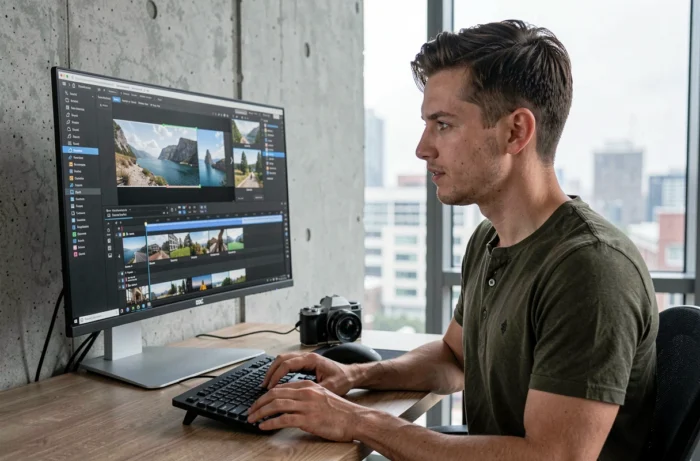
Aligning shot changes with musical highlights transforms a mundane slideshow into an engaging memory video. Each transition aligned with a beat or melodic change reinforces the coherence between image and sound. This synchronization work, tedious by hand, is now assisted by BPM detection algorithms integrated into most professional editing software.
AI-generated memory videos: legal framework and mandatory labeling
Animating photos using artificial intelligence (motion simulation, lip-sync, commemorative deepfake) raises legal questions that consumer platforms do not address. European regulations now require disclosure of the artificial nature of AI-generated or modified content, even when the use is emotional or commemorative.
As of August 2026, labeling of AI content is mandatory in the European Union, whether it concerns videos, images, or synthetic voices. In practice, an AI-animated memory video shared online must include visible or machine-readable marking indicating its artificial nature.
- The law does not only target the final content: services designed to produce identifiable replicas of a person without permission are also affected, according to an analysis published by Wiki Private Law in August 2026
- Data protection authorities remind that the use of biometric data (face, voice) to generate AI content requires a framework of explicit consent
- A memory montage shared in a strictly private setting (family projection, sent via messaging) remains less exposed, but the boundary with public distribution becomes blurred as soon as sharing on social media occurs
These constraints do not undermine the value of personalized video creation. They require choosing tools and providers that integrate these obligations from the production stage, rather than discovering the issue at the time of sharing.
The memory video remains a powerful medium for capturing and transmitting family memories. The difference between an amateur montage and a result that stands the test of time lies in these technical and legal choices, rarely visible on screen but always perceptible in the final quality.